By Amit Jethva, CTO, Nuvika Technologies
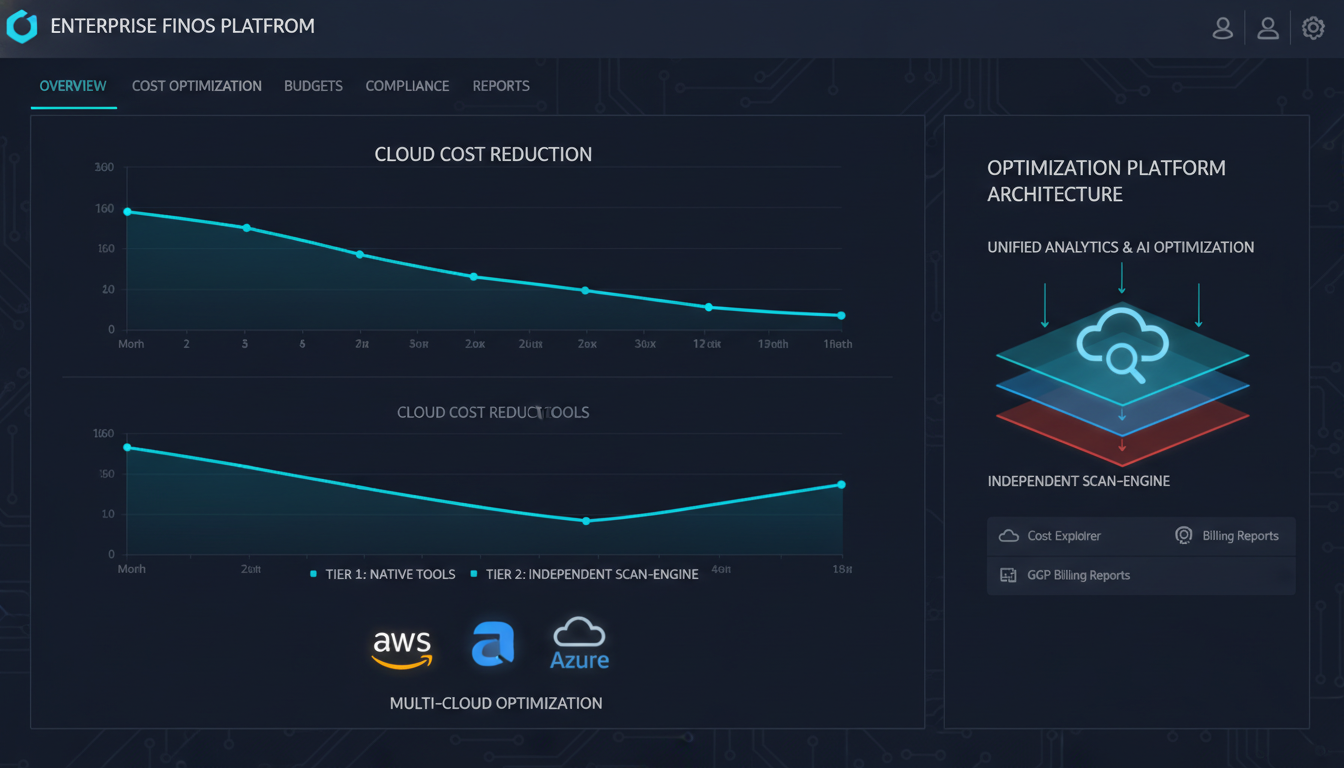
For companies spending over $1 million per year on cloud, the best cloud cost optimization tools combine native vendor tooling - AWS Cost Explorer, Azure Advisor, GCP Recommender - as a baseline with an independent FinOps platform for deeper scan coverage, multi-cloud normalization, and SLA credit recovery. Native tools typically surface 20-30% of available savings at this spend level; independent platforms account for the rest.
Here is how the full tool landscape breaks down and how to choose.
Why $1M+ Annual Spend Changes the Tool Calculus
Below $200K/year, native tools are usually sufficient. The obvious waste - idle VMs, oversized instances, unused storage - tends to be the whole problem, and the free tools find it.
Above $1M/year, three things shift:
Scale amplifies edge cases. An overlooked Azure Firewall Standard instance at ₹76,000/month is noise at $100K/year in cloud spend. At $1M+, you have dozens of services like it. Individually minor, collectively significant.
Commitment strategy becomes the largest lever. Reserved Instances, Savings Plans, Committed Use Discounts - at $1M+ annual spend, the savings from getting commitment strategy right are often larger than all idle-resource savings combined. AWS Cost Explorer shows utilization of existing commitments but won’t model a cross-account portfolio. Azure Advisor suggests reservations but doesn’t handle EA-level negotiation analysis.
Multi-cloud is the rule. Most enterprises above $1M/year are running at least two clouds. Native tools are single-cloud by design - there is no native tool that normalizes costs across AWS, Azure, and GCP simultaneously.
Tier 1: Native Cloud Tools (Free, Always the Starting Point)
Run these regardless. They require no budget, no setup, and surface the fastest wins.
AWS Cost Explorer + Trusted Advisor + Compute Optimizer
Cost Explorer handles spend visualization and forecasting. Trusted Advisor (requires Business or Enterprise Support) covers idle load balancers, underutilized EBS volumes, and unused Elastic IPs. Compute Optimizer provides ML-based right-sizing for EC2, Lambda, and EBS.
Covers well: obvious idle resources, EC2 right-sizing, basic RI utilization tracking.
Misses: cross-account commitment portfolio analysis, NAT Gateway traffic optimization, Redshift and RDS long-term cost patterns, cross-cloud normalization, SLA credit recovery.
Azure Advisor + Cost Management
Azure Advisor provides cost recommendations across VM right-sizing, idle resources, and reservation purchases. It runs approximately 30-40 cost-related checks and integrates directly into the portal.
Covers well: VM right-sizing, basic idle detection, reservation recommendations.
Misses: service-specific waste - Azure Firewall with no traffic, DDoS Protection Standard on minimally-exposed IPs, Bastion with near-zero sessions, Synapse dedicated SQL pools running 24/7. Fintropy runs 149 Azure-specific rules; Advisor covers roughly a quarter of that surface.
GCP Cost Management + Recommender
GCP Recommender handles machine-type right-sizing, idle resource detection, and committed use discount recommendations.
Misses: BigQuery cost patterns, Cloud SQL optimization, and most non-Compute services. GCP Recommender is meaningfully less broad than its AWS or Azure equivalents.
Tier 2: Independent FinOps Platforms
This is where the $1M+ ROI case becomes clear. A 20% improvement on $1M spend is $200,000/year. That justifies meaningful platform investment.
Independent platforms split into two sub-categories: dashboarding platforms and scan-engine platforms.
Dashboarding Platforms
Apptio Cloudability (IBM), Flexera Cloud Cost Management, CloudHealth (VMware/Broadcom)
These are the established enterprise platforms. They normalize cost data across clouds, provide showback/chargeback, and have mature executive reporting. IBM and Broadcom ownership has made pricing less predictable, and both are dollar-denominated.
Best fit: large enterprises with a dedicated FinOps team that needs a platform for governance, reporting, and cross-team accountability.
Not the right fit for: teams that need the platform to actively find waste. These tools show you the data - they don’t scan your estate for specific cost patterns the way a rule-based engine does.
Harness Cloud Cost Management, Vantage, ProsperOps
Newer entrants with better UX and lower price points. ProsperOps is notable for automated commitment management - it runs a continuous optimization loop on your RI/SP portfolio. Vantage has strong developer-facing UX. Harness integrates cost management into the engineering deployment workflow.
Best fit: growth-stage companies or teams that want modern tooling without the enterprise-procurement overhead of Apptio or Flexera.
Scan-Engine Platforms
These go beyond dashboards. They actively scan your cloud estate against a rule library, surface specific findings - not just aggregate trend data - and tell you what to fix and in what order.
Fintropy (Nuvika Technologies)
497 scan rules across AWS, Azure, GCP, Kubernetes, and VMware. Covers SLA credit recovery automation, multi-cloud anomaly detection, and FOCUS-aligned cost attribution. Available on Microsoft Marketplace and INR-priced for Indian enterprises.
The distinction from dashboarding platforms: Fintropy doesn’t just normalize your spend data - it surfaces that your Azure Bastion in the dev subscription hasn’t had a session in 47 days and is costing ₹18,000/month, or that your AWS NAT Gateway in us-east-1 is processing less than 100MB/day.
Best fit: enterprises that want the tool to find the waste rather than presenting data for analysts to interpret.
Is It Worth Investing in Cloud Cost Optimization Services?
At $1M+ annual cloud spend, the question answers itself mathematically.
The standard range for FinOps optimization outcomes is 20-40% cost reduction. The spread reflects starting conditions - a mature, already-optimized environment will see lower gains; a cloud estate that has grown fast without dedicated FinOps attention will see higher ones.
On $1M/year:
- 20% reduction = $200,000/year back
- 30% reduction = $300,000/year back
A three-week assessment engagement plus 90-day optimization execution typically costs a fraction of those numbers. The payback period is measured in weeks, not quarters.
The more honest version of the question is: at what spend level does it stop being worth it? That threshold is somewhere below $200K/year, where savings potential is smaller than the cost of a dedicated engagement. Above that, the ROI math is reliably positive.
What makes it not worth it is buying a dashboarding tool without the people or process to act on the data, or running a one-time optimization engagement without building governance structures to prevent drift.
How to Choose at $1M+ Spend
Single cloud, $1M-$3M/year: Run native tools as your baseline. Layer in one scan-engine platform for deeper coverage. You do not need Apptio-level governance tooling yet.
Multi-cloud, $3M+/year: You need multi-cloud normalization - native tools cannot provide it. An independent platform is necessary. The choice between dashboarding and scan-engine platforms depends on whether your FinOps team is mature enough to act on data or still needs to be told what to look for.
Want outcome-aligned pricing: Look for savings-share or retainer engagement models. Fixed-fee assessments are the right shape for the first engagement; outcome-aligned pricing is right for sustained optimization.
India-headquartered: Prioritize INR-denominated engagements. Dollar-denominated tooling at this spend level adds FX exposure on top of optimization costs.