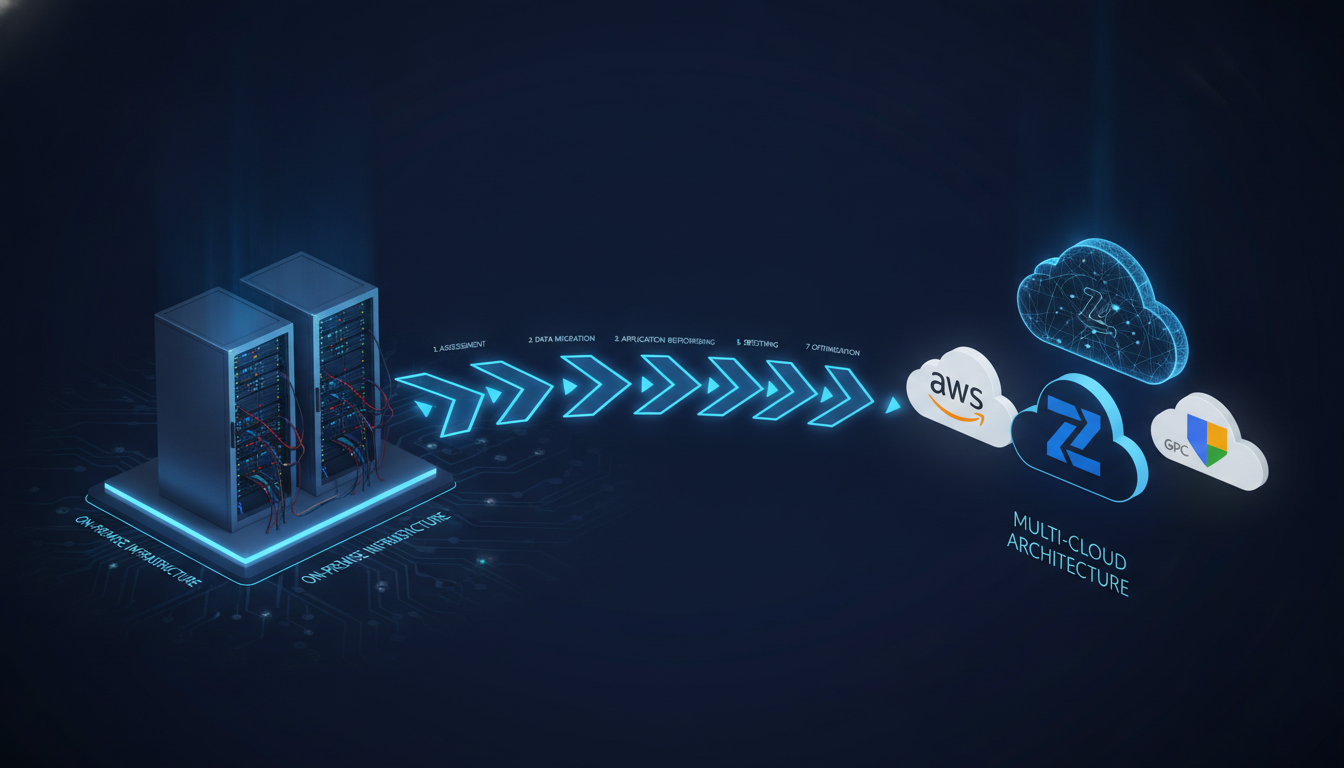
By Amit Jethva, CTO, Nuvika Technologies
To migrate an enterprise workload to the cloud: start with a dependency map and performance baseline of the workload as it runs today, score each component against the 7Rs framework (Rehost, Replatform, Refactor, Repurchase, Retain, Retire, Relocate), model the post-migration TCO before moving anything, run a wave-based cutover with a tested rollback path, and deploy with FOCUS-aligned tagging and a FinOps baseline scan from day one. Migrations that skip TCO modeling or performance baselining regularly produce cloud bills 2-3x higher than the on-premise cost they were meant to replace.
The Five Enterprise Migration Failure Modes
Before the framework, the failure modes it is designed to prevent.
1. Undiscovered dependencies. An application depends on a service nobody mapped during planning. Mid-cutover discovery causes rollbacks, overruns, and rescheduled maintenance windows. Thorough dependency mapping before the first wave is the fix.
2. Lift-and-shift without rightsizing. Moving workloads as-is produces cloud bills 2-3x higher than on-premise cost within 90 days. On-premise, you overbuy hardware and amortize it over years. In the cloud, overprovisioned instances bill at full rate every hour. Right-sizing every workload before cutover - not after - is the fix.
3. No performance baseline. After migration, the team discovers the cloud version is slower, but has no data on what normal looked like pre-migration. Every incident becomes a migration dispute. The fix is a documented performance baseline before the first workload moves.
4. Cutover plan without rollback. Migration goes wrong, the cutover window passes, and there is no tested revert path. The fix is a rollback procedure tested in a lower environment before production cutover.
5. No post-cutover ownership. Applications move to cloud. Teams disband. Tagging decays. Costs drift. The FinOps work planned for “later” never happens. The fix is FinOps ownership from day one - tagging strategy, baseline scan, and a nominated cost owner per workload before cutover.
Step 1: Application Discovery and Dependency Mapping
Before you can migrate anything, you need a precise inventory of what you have and how it connects.
What this step produces:
- A complete inventory of every application, service, and server in scope
- A dependency map showing which components communicate and how (network, API, file system, shared database)
- A traffic analysis showing peak load times, data volumes, and latency sensitivity
- An age and license audit - which components run end-of-life software or licenses that do not transfer to cloud
Tools: Azure Migrate, AWS Application Discovery Service, GCP Migrate for Compute Engine, and direct interviews with application owners for business-logic dependencies that infrastructure scanning will not find.
Time: 2-4 weeks for a mid-size estate (50-200 servers). Do not compress this phase - it is the source of most mid-migration surprises.
Step 2: Classify Every Workload Against the 7Rs
Each application in your inventory receives a disposition:
| R | Definition | When to use |
|---|---|---|
| Rehost | Lift and shift - move as-is to a cloud VM | Applications that cannot be changed but must move; fast timelines |
| Replatform | Move with targeted optimizations (managed DB, containers) | High operational overhead on-prem; cloud-managed services reduce maintenance |
| Refactor | Re-architect for cloud-native patterns | High-priority apps with scalability or cost problems requiring redesign |
| Repurchase | Move to SaaS | Applications where a SaaS equivalent exists and migration overhead is justified |
| Retain | Keep on-prem | Regulatory constraints, recent capital investment, or insufficient business case |
| Retire | Decommission | Applications with no active users or business function |
| Relocate | Move to a different cloud (VMware Cloud, Outposts) | Specific compliance or latency requirements |
The common mistake: classifying every workload as Rehost because it is faster. Rehost is correct for some workloads, but it produces the worst long-term cost outcome for workloads with high on-prem compute allocation. A database on a 64-core physical server rehosted to an equivalently-sized cloud instance without rightsizing will be expensive, continuously.
Score each 7R option on three dimensions: TCO, migration risk, and FinOps maturity required to operate it post-cutover.
Step 3: Pre-Migration TCO Modeling
This step is where migrations either prevent cost shock or guarantee it.
What a TCO model must cover:
- Compute: target instance type, hourly rate, reserved or on-demand, utilization assumption
- Storage: volume type, provisioned IOPS, backup retention cost, egress cost
- Networking: cross-region data transfer, NAT Gateway traffic, VPN or ExpressRoute/Direct Connect fees
- Licensing: OS licensing (Windows, RHEL), database licensing (SQL Server, Oracle) - these are frequently the largest cost surprises in enterprise migration
- Support: cloud support tier required for production workloads
- Management tooling: monitoring, backup, patching, security
The common mistake: modeling only compute and ignoring networking, licensing, and support. A Windows SQL Server workload that looks inexpensive in compute can triple in cost when SQL Server licensing is included.
Build the model before migration begins, share it with finance stakeholders, and use it as the baseline against which post-migration actuals are measured.
Step 4: Establish a Performance Baseline
Before the first workload moves, instrument it and collect 2-4 weeks of:
- CPU and memory utilization (P50, P95, P99 - not averages)
- Response times for user-facing operations
- Database query latency for key queries
- Network throughput and latency between components
- Error rates
This baseline serves two purposes. First, it drives right-sizing: if P99 CPU is 40%, the workload can move to a smaller instance than currently provisioned. Second, it becomes the acceptance criterion for post-migration validation. If cloud performance does not match baseline within an acceptable tolerance, the migration is not complete.
Step 5: FinOps-First Deployment Configuration
This step happens before cutover, not after. It is consistently skipped and consistently regretted.
Tagging strategy: Define a tagging taxonomy before any resources are created in the cloud. Every resource gets tags for: application name, environment (dev/staging/prod), owner (team or individual), cost center, and project. Tags applied retroactively to hundreds of cloud resources are a FinOps remediation project in their own right - and they are still incomplete in most organizations that delay this.
Budget alerts: Set cloud budget alerts at 80% and 100% of expected monthly spend per workload before cutover. If the cost model says $20,000/month, configure alerts at $16,000 and $20,000, not a surprise at month-end.
Baseline scan: Run a FinOps scan immediately after resources are provisioned. This catches misconfigured right-sizing (instances that are already oversized before carrying production traffic), unintended data transfer patterns, and licensing configuration errors.
Commitment strategy: If this workload is production and expected to run continuously, model the Reserved Instance or Savings Plan purchase for months 2-3. Buying on day one is usually wrong - you do not know the actual utilization pattern yet. Waiting more than 90 days is also wrong - you have paid 90 days of on-demand rates you could have avoided.
Step 6: Wave-Based Cutover with Tested Rollback
Enterprise migrations use waves: groups of related workloads that move together in a defined sequence.
Wave sequencing principles:
- Move low-risk, non-critical workloads in early waves to validate your process, tooling, and TCO model before touching production.
- Keep interdependent workloads in the same wave. Do not leave half an application on-prem and half in the cloud unless you have explicitly architected for hybrid operation.
- Schedule production cutovers during low-traffic windows, but do not optimize so hard for timing that critical waves are delayed indefinitely.
Rollback requirements - must be tested, not assumed:
- Confirmed data backup taken immediately before cutover
- Rollback procedure documented and rehearsed in a lower environment
- Maximum rollback decision time defined in the cutover runbook - after X hours with unresolved issues, rollback is triggered without debate
- Communication plan for each stakeholder group with their specific escalation path
Cutover day sequence: freeze → backup → migrate → validate against baseline → go/no-go decision → traffic shift → soak period → success or rollback.
Step 7: Post-Migration Validation and Handover
Migration is not complete at cutover. It is complete when the cloud workload performs as designed, costs match the TCO model, and a named team owns ongoing operations.
Validation checklist:
- Performance metrics are within baseline thresholds for P50/P95/P99
- Cost is tracking to TCO model (within 10-15% for month 1)
- All tags are applied and cost attribution is working in your FinOps tooling
- Monitoring and alerting are configured and have been triggered at least once in a test scenario
- On-call runbooks are updated to reflect cloud-specific troubleshooting paths
- Licensing is correctly configured and documented
30/60/90 day review: schedule formal cost reviews at 30, 60, and 90 days post-cutover.
- 30 days: catch configuration errors and over-provisioning
- 60 days: evaluate Reserved Instance or Savings Plan purchases
- 90 days: close the migration - the workload is operating within cost and performance parameters, or a remediation plan is active
Where FinOps Intersects Migration
The most common post-migration failure is a cloud bill that grows 30-50% above the TCO model in the first 90 days because:
- Right-sizing was based on average utilization, not peak
- Licensing was not modeled correctly
- Data transfer costs (NAT Gateway, cross-region, egress) were underestimated
- Reserved Instance purchases were delayed or sized incorrectly
- New cloud-native services were added without cost review
FinOps ownership during migration - a named person or team with authority over cost decisions in Steps 3, 5, and 7 - is the single factor most correlated with migrations that land on-budget.
For enterprises running large-scale migration programmes, Nuvika’s Cloud Workload Migration Services apply this framework with Fintropy baseline scans at cutover and a 90-day post-migration cost review to close the gap between TCO model and actual cloud spend.